Installed the old APK from this site?
Uninstall it first, then install Huddle from Google Play. The two are signed differently, so Android won't put one over the other. Your account and posts live on our servers, so nothing is lost.
Open Google PlayHuddle is on Google Play, so it installs and updates like any other app. Sign up, pick your department, and your campus feed is waiting.
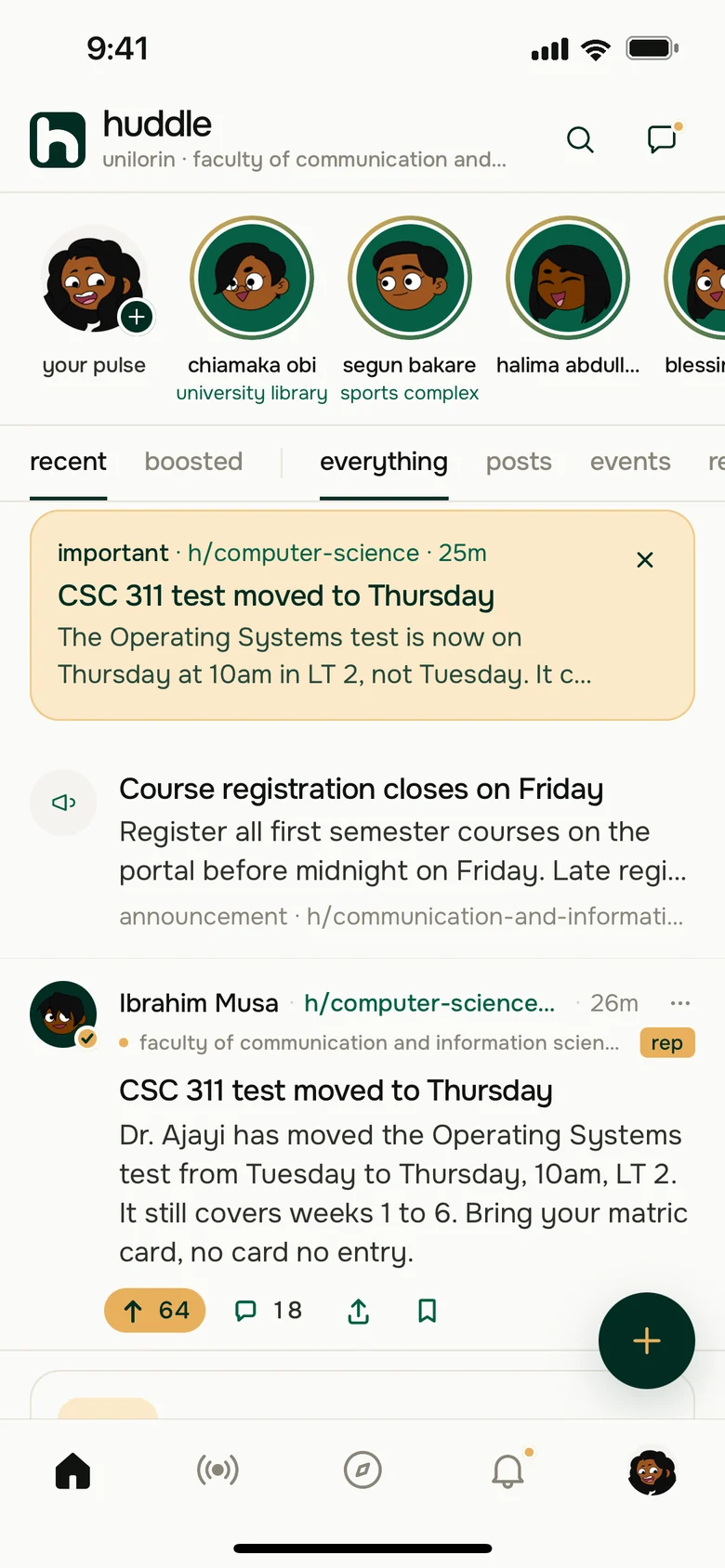
Tap "Get it on Google Play" on your Android phone. Play opens straight to Huddle.
Tap Install. When it's done, open Huddle from Play or your home screen.
Use your email or Google account, then pick your faculty and department.
Uninstall it first, then install Huddle from Google Play. The two are signed differently, so Android won't put one over the other. Your account and posts live on our servers, so nothing is lost.
Open Google PlayThe iPhone app is with Apple for review. Leave your email and we'll tell you the day it's on the App Store.
Tell me when it's out